Restaurant & Delivery Platform – Web App
Build a full-featured restaurant and food delivery app in weeks, not months. OneEntry powers menu management, online ordering, table bookings, delivery tracking, payments and customer engagement.

All managed within the OneEntry platform
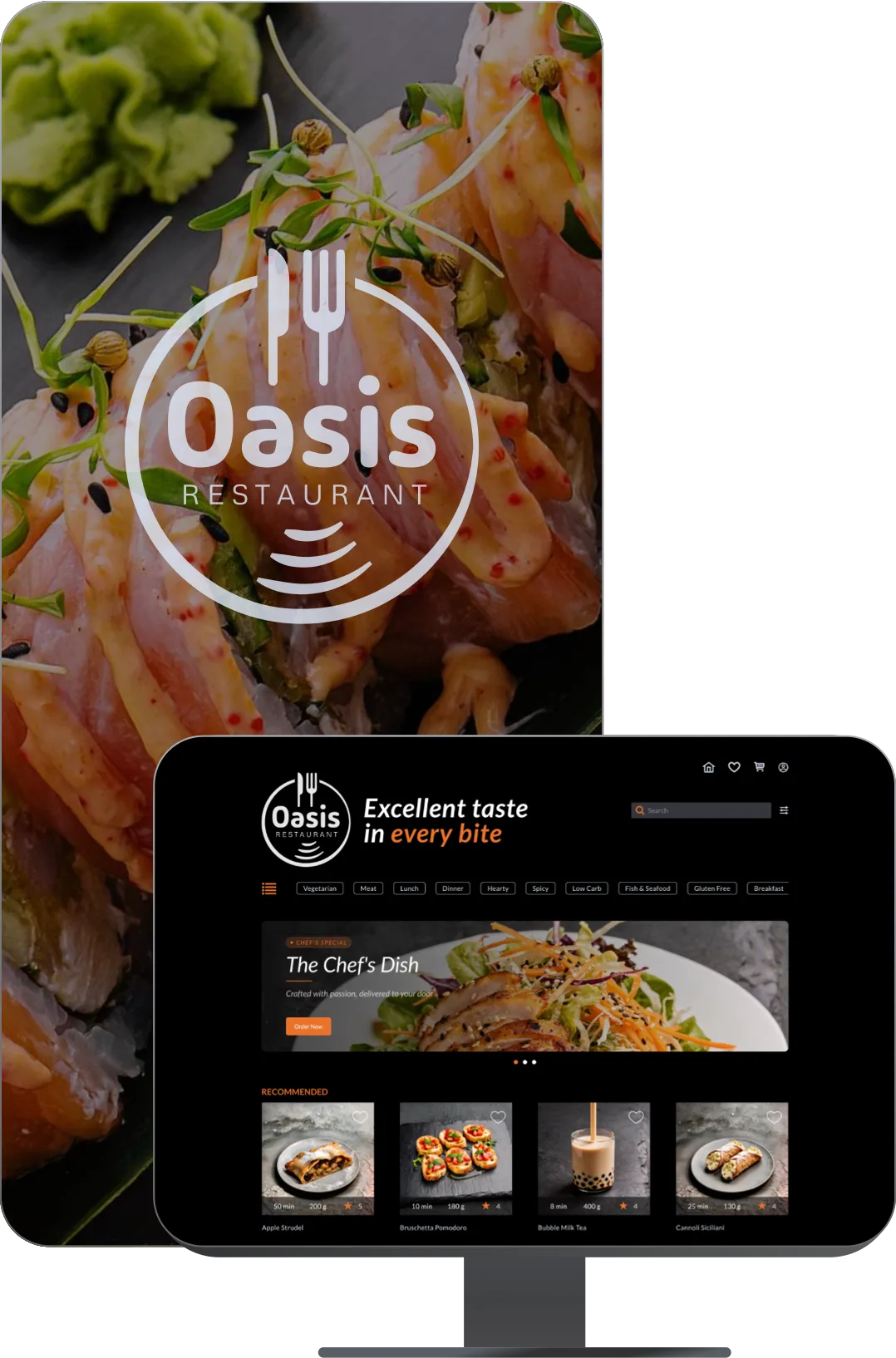
Business Benefits
Advanced search, filtering
& recommendations
Customers can quickly discover dishes, products, or restaurants using filters by category, cuisine, price, dietary preferences, ratings, location, and delivery zones. Built-in recommendation logic helps increase engagement and order value with trending items, personalized offers, repeat purchases, complementary products, and smart cart-based suggestions.
Centralized data
& integrations
A unified system for managing customers, orders, menus, payments, inventory, and couriers, with integrations for POS systems, payment gateways, accounting platforms, and external delivery services, plus flexible workflows and business automation.
Table booking
& reservation management
Manage table reservations, dining area availability, schedules, private events, weddings, and group bookings, with automated confirmation and cancellation notifications.
Menu
& inventory management
Centralized management of menus, categories, pricing, promotions, and inventory levels, with synchronized updates across the app, website, and delivery aggregators.
Customer engagement
& loyalty
Push notifications for new dishes and promotions, loyalty programs, reviews, ratings, personalized offers, and customer feedback collection and analysis.
Online ordering
& delivery management
Instant food ordering for pickup or delivery, with real-time management of carts, addresses, order statuses, and couriers.
Use Cases
Examples of businesses this application can support
Cafés, Bars & Restaurants
Menus, table reservations, and venue management
Digital Menus
Interactive menus, QR ordering, and real-time updates
Event Catering & Food Delivery
Catering management, order processing, delivery tracking, and bulk orders
Functionality
Explore the key features through real application screens


Setup Guide
Clone the repository (or download the source code below): git clone https://github.com/ONEENTRY-PLATFORM/nextjs-restaurant-demo.git
Go to the project directory: cd nextjs-restaurant-demo
Install the dependencies: npm install
Register on the website: oneentry.cloud

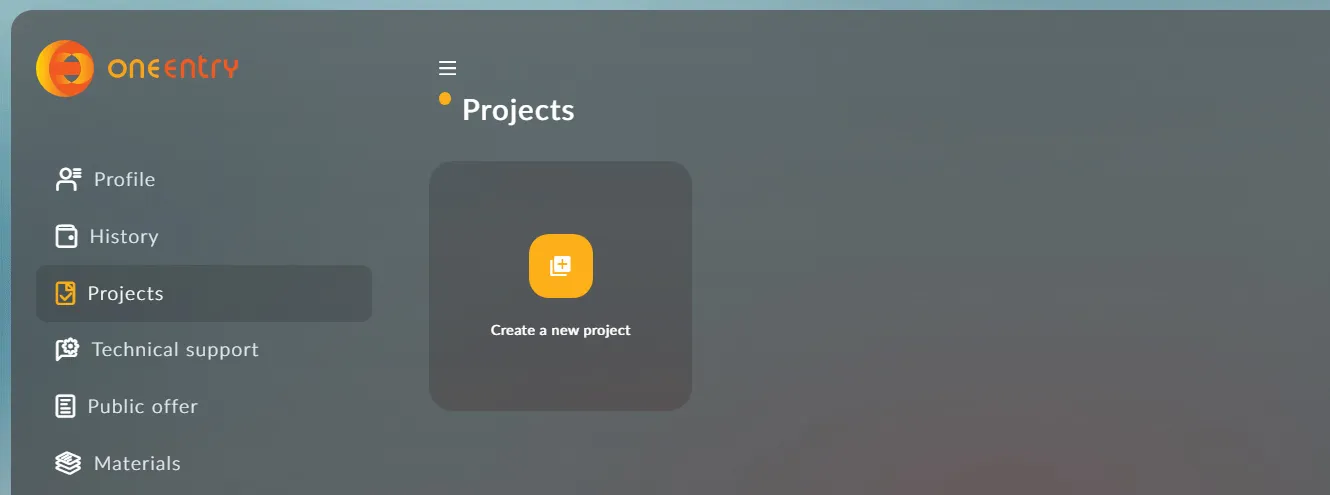
Set up your project:
Create a project
Create an environment variable file .env.local (copy it from .env.example)
and specify the following variables in it:
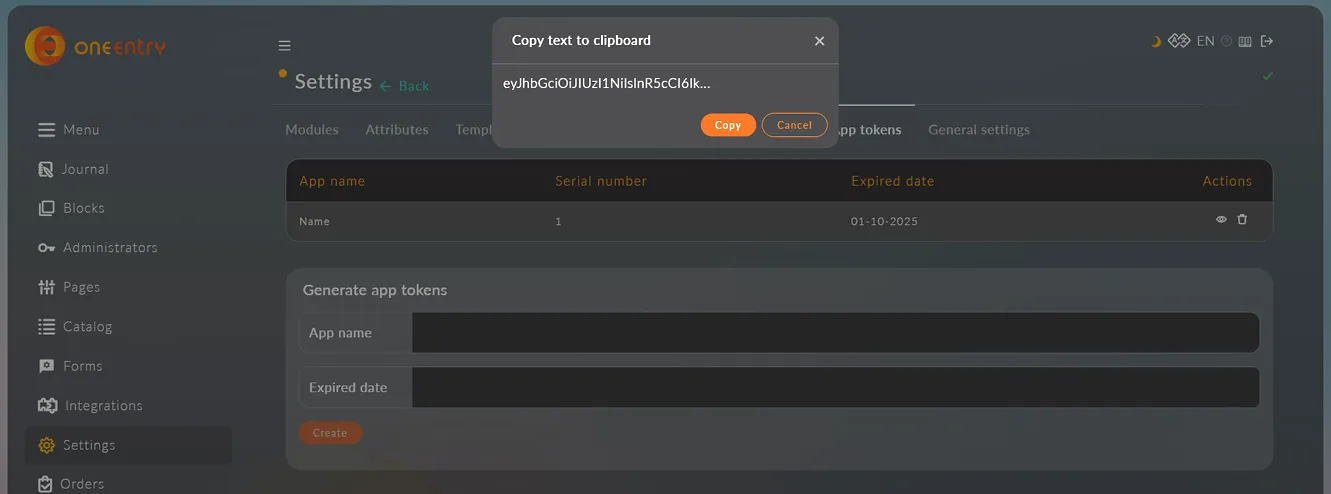
NEXT_PUBLIC_ONEENTRY_URL=https://your-project.oneentry.cloud NEXT_PUBLIC_ONEENTRY_TOKEN=...
The token is created in your project: Settings - App tokens
Run building the project: npm run build
Download, set up, and use!
Download the source code
Free · version 0.0.1 beta